
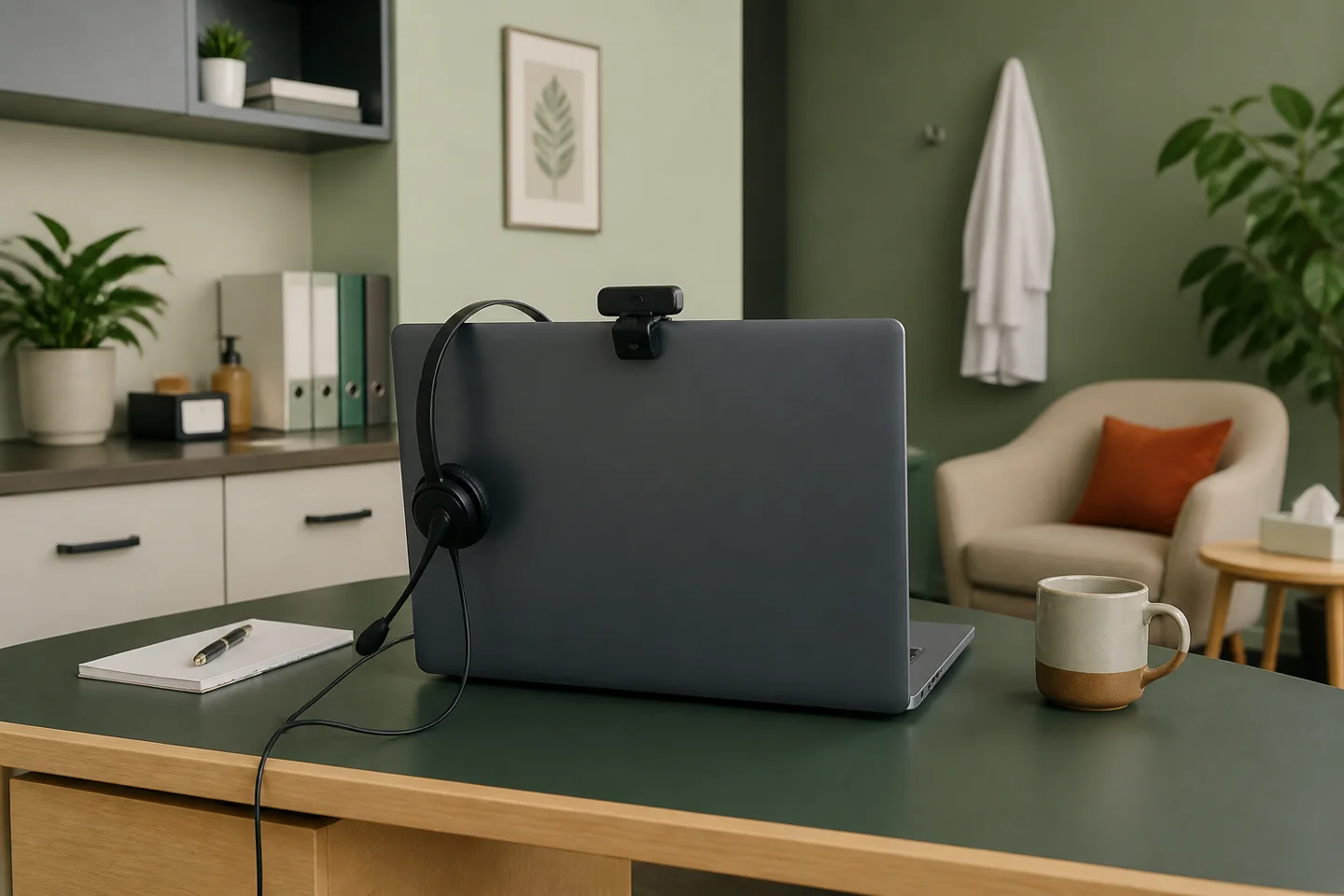
A video visit begins before anyone joins the call. An appointment link is sent, a device is chosen, and software settings determine what will be recorded or saved. After the conversation ends, notes, messages, and sometimes transcripts remain. A useful privacy review follows that complete journey.
This guide is a planning resource for healthcare practices. HIPAA is one part of telehealth compliance. Licensing, consent, prescribing, accessibility, and payment requirements can require separate analysis. Nothing in the checklist determines whether a particular visit is legally permitted or reimbursable.
Before the visit: know what the technology does
List the video or audio platform, scheduling tool, messaging service and optional recording or transcription features. Ask which accounts and product tiers the practice uses. A familiar product name can cover several configurations with different terms.
Where a telehealth vendor acts as a business associate, evaluate the appropriate BAA and service arrangement. A service that only transmits a call is different from one that stores a recording for later use, which is different from a service that employs an Artificial Intelligence (AI) scribe. HHS discusses these distinctions in its audio-only telehealth guidance. Do not assume all telephone or internet services have the same status.
Use a test appointment to inspect what staff and patients see. Check the invitation, waiting room, displayed names, and default options. Ask where a transcript would be stored if a feature were enabled. If the answer is uncertain, resolve it before relying on that feature in patient care.
Prepare the space as carefully as the software
A secure account cannot prevent someone in the next room from overhearing a loudspeaker. Choose a private setting where feasible and decide how staff should respond if privacy is interrupted. HHS's audio-only guidance discusses reasonable safeguards, such as reducing incidental disclosure when a private setting is not available.
Send patients a brief preparation message. HHS's telehealth privacy tips for patients recommend practical steps involving private locations and nearby devices. Adapt the message to the patient's circumstances rather than assuming everyone has a quiet room, a recent phone and reliable broadband.
For example, a hypothetical patient joins from a shared workspace and cannot speak freely. Staff need a way to recognize the issue and discuss an alternative. A rigid instruction to “find somewhere private” may not be workable. Plan the conversation before it happens.
At the start: establish who is present
Use an appropriate process for confirming identity and understanding who else is participating. HHS does not prescribe one universal identity verification method for every telehealth encounter. Build a consistent process suited to the service, then address relevant accessibility and language needs.
A useful operational script can ask whether the patient can hear, whether the setting is suitable for the conversation, and whether another person is present. Decide how interpreters, caregivers and unexpected participants are handled. This article does not determine consent or disclosure authority for a particular participant; that requires the appropriate legal and clinical analysis.
During the visit: control unnecessary records
Decide deliberately whether recording or transcription is appropriate. Do not let a new default setting make that decision for the practice. Identify who can start a recording, who can access it, and how long it remains available including whether you consent to the patient recording the encounter. Consider the clinical purpose as well as the privacy and contractual questions.
Electronic records created by telehealth belong in the broader risk analysis. HHS's Security Rule overview describes safeguards for electronic protected health information. A review should include the systems the practice actually uses, not just its main health-record application.
Keep a fallback plan for technical trouble. Staff should know which alternatives have been approved and where to document the change. Moving a conversation to a personal account without review can create a new information flow at the moment the team is least prepared to evaluate it.
After the visit: follow the remaining information
Check where notes, chat messages, attachments, and recordings go. Know whether they are stored indefinitely or deleted after a specified interval. Confirm which team members need access and how follow-up information reaches the patient. A successful call is only one part of a completed workflow.
Ask a staff member to demonstrate the process with test information. Can they locate the note without downloading a second copy? Can they find the approved contact method? Who receives a report if something is sent to the wrong recipient? Use the demonstration to identify specific improvements, not to score the employee.
Turn the checklist into a review agenda
Select the items you want to discuss below and print a short agenda. The tool sends no answers to the firm and does not determine compliance. For vendor questions, continue to the BAA review guide; for broader operations, see the small-practice compliance checklist.
Kim Cunningham of Cunningham Law, LLC helps healthcare practices address privacy, compliance, and contract questions. Request a free 30-minute consultation to discuss your workflow. Keep the first inquiry general and wait for instructions before sending patient information.